
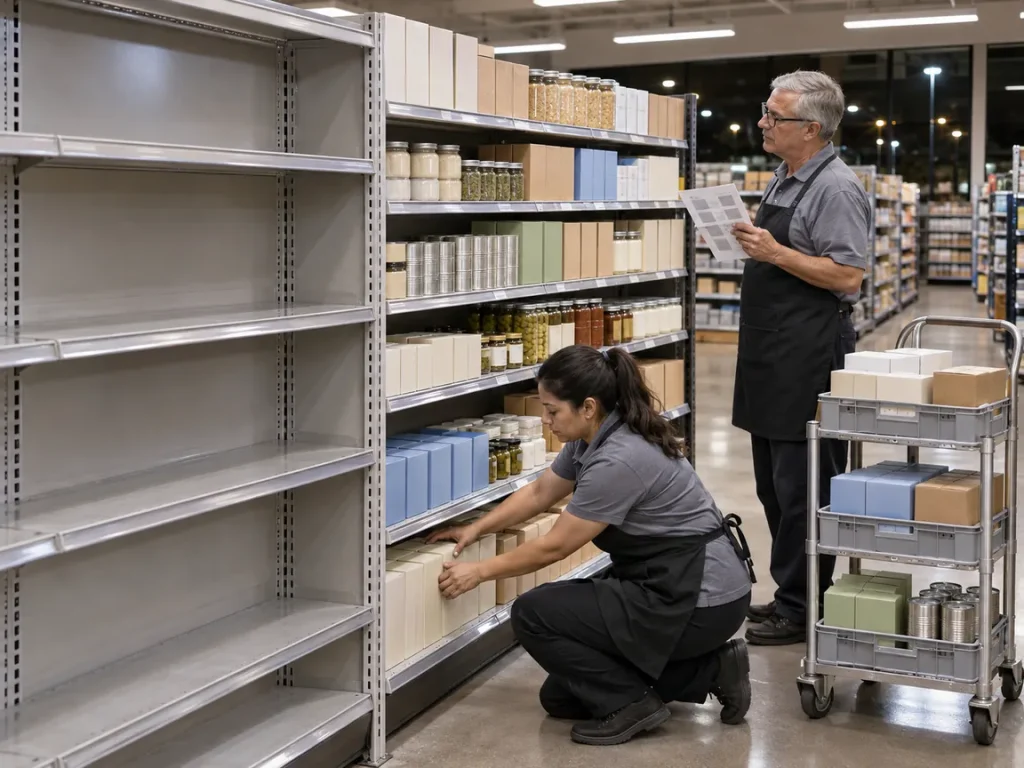
A retail store reset is a planned change to what stands where in a store: shelves re-laid to a new planogram, fixtures swapped, or a floor re-set for a new season. Head office draws the plan once. Stores carry it out, often overnight, in dozens of different rooms. Picture forty stores on reset morning: thirty-three look right, four did half the work and three have not reported. Nobody at head office can say which is which until someone visits.
This guide is for the people who own that result: operations leads, area managers and store managers. It covers the five kinds of reset, a countdown from six weeks out to the go-back (the return visit that fixes what the night missed), the packet each store needs, a run sheet for reset night and a way to tell afterwards that the reset worked. It fits a grocery planogram reset and a fashion floor set alike.
Kinds of retail store reset
Name the kind in the brief, because it sets the time window, the crew and the proof you ask for. Teams use different words for the same work: grocery and drugstore teams say planogram reset, fashion teams say floor set.
| Kind | What changes | What usually goes wrong first |
|---|---|---|
| Planogram reset | A whole category or section goes onto a new plan: new order, new shelf heights, new facings | Old stock still sits in the slots the new items need |
| New-item cut-in | A few items go in or come out of the current layout, with little fixture work | The new item is still in receiving while the old one holds the slot |
| Seasonal floor set | Displays, end caps and tables turn over for a new season or campaign | The set goes up late, or only half of it goes up |
| Fixture refresh or remodel | New shelving, gondolas or tables go in, and the layout can change | Fixtures arrive late, in the wrong size or not at all |
| Recovery reset | An area goes back to its plan after damage, such as a leak or a break-in, or after a failed earlier reset | Nobody photographed the old layout before the crew moved things |
Mixing up the kinds costs labor either way. A cut-in treated like a full reset spends a crew’s night on an hour of work, and a fixture refresh treated like a cut-in leaves half a section unset. In fashion, the floor set follows the brief from visual merchandising (VM), as our guide to fashion retail visual merchandising explains. The recovery reset is the emergency version, and our guide to retail store recovery covers the daily routine that keeps a store close to its plan between resets.

Retail store reset countdown: from six weeks out to the go-back
Six weeks is a planning figure, not a rule: a cut-in needs far less, a fixture refresh may need more. What matters is the order. Each step has to be true before the next one starts.
Six weeks out: fix the scope and name the owners
Write down what changes: which bays, which fixtures, which signs and shelf labels. Name one owner at head office for the whole reset and one owner in every store, usually the store manager. Then check the plan against the real rooms. A planogram drawn for a standard fixture does not fit a store with a column in the middle of the aisle, so list those stores now and ask the planners for a store-specific version instead of letting the crew improvise at 2:00 AM.
Decide the window as well. Overnight keeps customers out of the way but needs night labor. Resetting while the store trades needs the section roped off and costs some sales there. Pick one and write it in the brief.
Four weeks out: send the packet and run a pilot
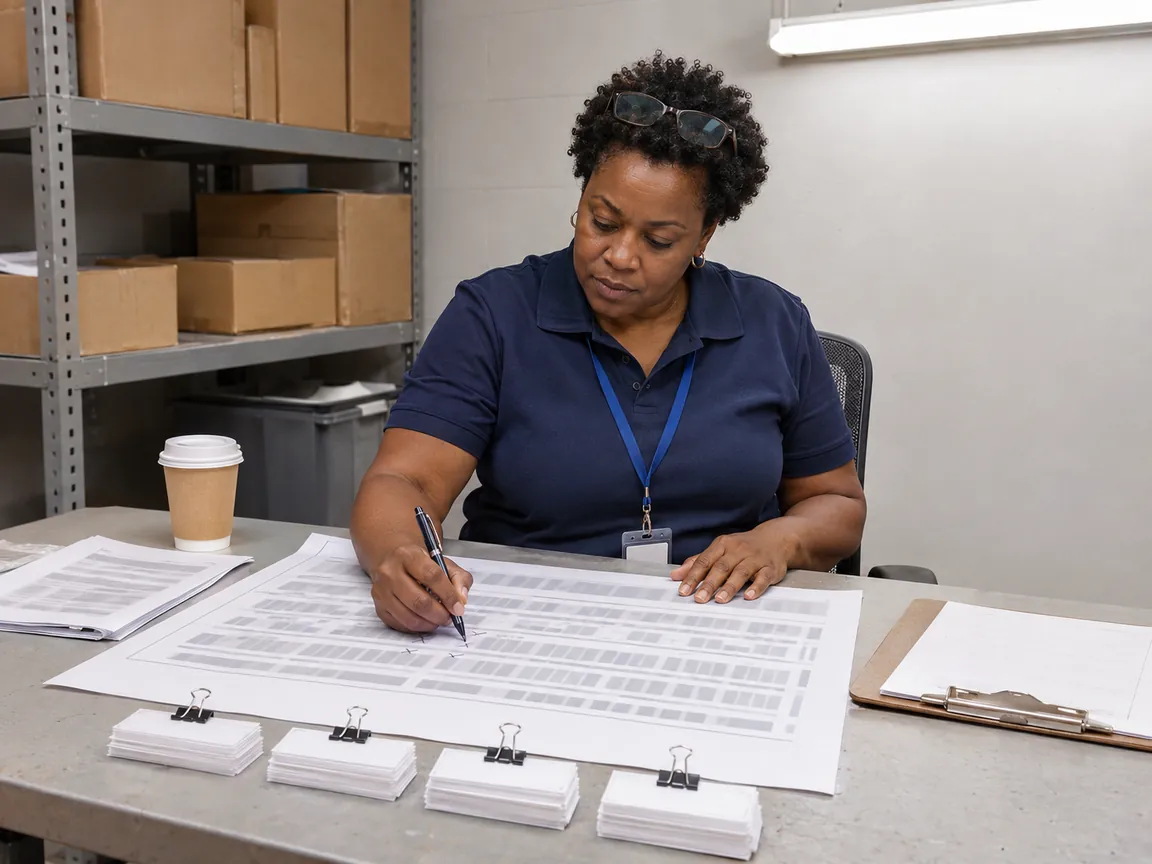
Send every store a packet built for that store, not the master copy. A packet is a procedure for one night, so the rules from our guide to the retail SOP apply: one owner, plain steps and the proof defined up front. It holds:
The plan for this store’s fixtures, bay by bay
The date, the start and finish times and who works
The fixtures to move, add or remove, with sizes
The items going in and out, and what happens to the old stock
Shelf labels and signs, sorted by bay
The staging space, where stock waits during the reset, with aisles and exit routes marked clear
The photos to take before and after: every bay and every end cap
One name and one phone number for questions on the night
Pick one pilot store with an ordinary layout and reset it first. Time every step, write down what the packet missed and fix the packet before other stores see it. Then roll out in waves, so a mistake in the plan reaches ten stores instead of forty. The pilot’s hours are also the best labor estimate you will get.
One week out: check that everything arrived
A week before, every store answers four yes or no questions: have the new items and fixtures arrived, are the shelf labels and signs printed, is the staging space clear and is the crew confirmed? A no needs an answer now, not on the night: a new date, a substitute or a changed plan. A store that stays silent counts as a no.
Settle the old stock in the same week. Sell it down, move it to another store with the stock transfer process or send it back to the vendor under the return to vendor process. Old stock with no plan is what fills the aisle at 11:00 PM.
Retail store reset day, step by step
Below is an example run sheet for an overnight reset of a twelve-bay section. Your times will differ, and the pilot store tells you the real ones. The order stays the same.
9:30 PM Walk the section with the store manager and photograph every bay before anything moves.
10:00 PM Strip the old product, bay by bay, into labeled carts or trays and move it to the staging space.
11:00 PM Move, add or remove fixtures, then measure the aisle again.
12:00 AM Set product bay by bay as drawn, and check each bay against the plan sheet before starting the next.
2:30 AM Hang shelf labels and signs, and check each one against its item.
3:30 AM Clean the shelves and floor, clear the staging space and put leftover stock away.
4:30 AM The store manager walks the section against the plan, fixes the small things and decides which bay, if any, stays closed at opening.
5:15 AM Photograph every bay from the aisle, in the same order as the first photos, and send them with the list of exceptions.
An aisle that is half old and half new confuses shoppers, confuses staff and is hard to check. If the crew has not finished a bay by 4:30 AM, close it off or put it back as it was, and write it on the go-back list. A bay closed with a sign is a better result than a wrong one.
Safety rules for reset night
Two rules apply to every reset. First, no cart, pallet or tray stands in an exit route, even for a few minutes: OSHA’s rule says no materials or equipment may be placed in one, either permanently or temporarily (29 CFR 1910.37). Second, measure the aisle again once the fixtures move, before the store opens. The ADA’s guide for small businesses asks for a 36-inch route between displays and shelves where that is readily achievable. Local rules can differ.
Chilled and frozen sections need their own order. FDA’s model Food Code keeps cold food that needs temperature control at 41°F or below and stored frozen food frozen, so reset those cases in small batches and keep the product in the cold until the shelf is ready. The Food Code is a model that states and cities adopt, so use your local limit if it differs.
What to do when reset night goes wrong
Something always goes wrong, so decide in advance who makes the call. Put the rule in the packet, so a crew member at 2:00 AM does not have to guess or wake someone up. Start with these six situations.
Test the rules in the pilot store. If the crew has to ask what a rule means, rewrite it.
How to know a retail store reset worked
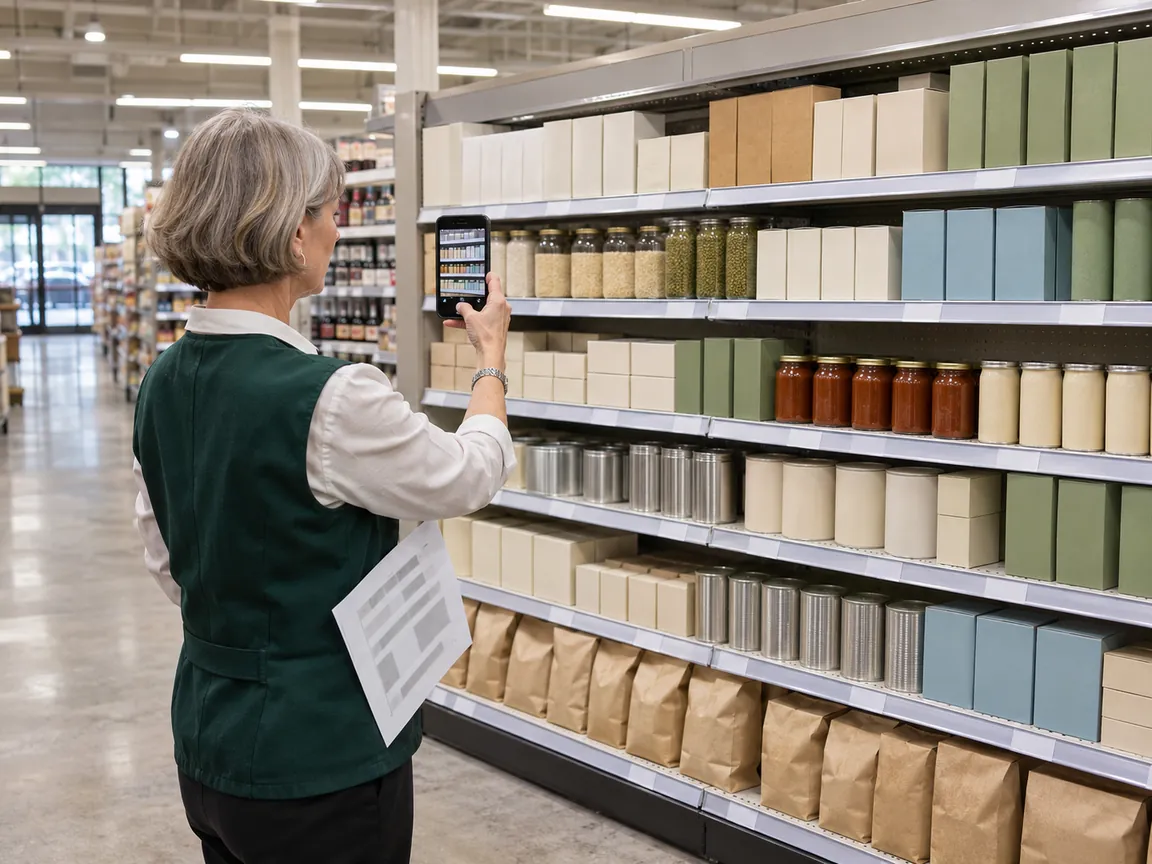
A reset counts as done when the shelf matches the plan, not when the crew says so. Check the shelf with a photo of every bay, taken from the aisle and set next to the plan sheet. The store sends the photos the same morning, and someone who did not do the work compares them with the plan and marks every difference. Our guide to grocery planogram compliance shows how to measure that match, and the one on promotion execution in retail covers the same photo check for campaigns.
Two numbers that show how the reset went
The first number shows how many stores finished inside the window:
On-time completion (%) = (stores finished and verified inside the window ÷ stores scheduled) × 100
In the forty-store example, thirty-three stores passed on the night: 33 ÷ 40 × 100 = 82.5%. The other seven go on the go-back list.
The second number shows whether the packet was clear:
First-pass rate (%) = (bays that passed the photo check on the first submission ÷ bays submitted) × 100
If 456 of the 480 bays (forty stores, twelve bays each) pass the first time, the first-pass rate is 95%. A low first-pass rate with high completion points at the packet: the crew finished but did not know what right looks like. Low completion points at timing, labor or deliveries.
Sort the go-back list by cause
Group the items by cause, not by store: a fixture that has now arrived needs a visit, a wrong label may need only a new label in the post, and a store still waiting for stock needs nothing yet. Close each go-back item with a new photo and call the reset finished only when every bay has passed. Keep the packet, the pilot’s times and the exception list, because next season’s reset starts from them.
Tracking a retail store reset across many locations
A reset needs three things from software: one task per store that carries the packet, photo proof for every bay and one view of which stores have finished. Bitreport covers that part. You assign one task to all stores at once, with visuals, deadlines and step-by-step instructions, and each store sees only its own task. You track completion in real time and see what has finished, what is late and what is wrong.
Review works like a display check. The reviewer marks the problem directly on the store’s photo, writes what to fix and sends it back, and the store sees it in real time. The loop repeats until the bay passes. You can monitor task completion by location, checklist or campaign, so the on-time completion rate comes straight from the task list, and you can save a reset task as a template for next season.
Bitreport does not draw planograms or floor plans, and it does not order stock or fixtures. It tracks the work and the proof. Our promotion execution page describes the same loop, and the visual merchandising compliance page covers it for fashion floor sets. If your wider problem is getting many locations to one standard, start with our guide to challenges in managing multi-location retail.
Frequently asked questions
What is a retail store reset?
A retail store reset is a planned change to what stands where in a store: shelves re-laid to a new planogram, fixtures swapped, or a floor re-set for a new season. Teams use different words for the same work: grocery and drugstore teams say planogram reset, fashion teams say floor set.
How far ahead should you plan a store reset?
Six weeks is a planning figure, not a rule: a cut-in needs far less, a fixture refresh may need more. What matters is the order. Each step has to be true before the next one starts.
Should a store reset happen overnight or while the store is open?
Overnight keeps customers out of the way but needs night labor. Resetting while the store trades needs the section roped off and costs some sales there. Pick one and write it in the brief.
How do you know a store reset went right?
A reset counts as done when the shelf matches the plan, not when the crew says so. Check the shelf with a photo of every bay, taken from the aisle and set next to the plan sheet. The store sends the photos the same morning, and someone who did not do the work compares them with the plan and marks every difference.