

What is retail management?
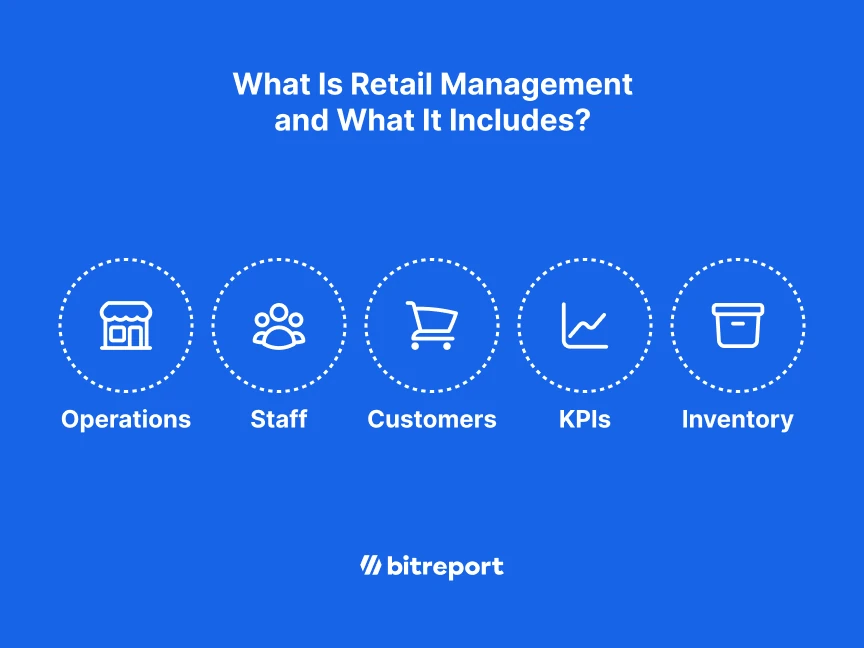
Retail management is the process of planning, coordinating, and overseeing a retail business’s inventory, people, customer experience, and financial performance. It connects business goals with the decisions and daily work that keep stores stocked, teams prepared, and customers served.
For a store manager, that can mean adjusting a shift plan, investigating a stock discrepancy, or coaching an employee. For a regional manager, it means helping several stores meet the same standards while responding to local needs.
This guide explains the main responsibilities, the metrics worth tracking, and how management changes as a retail business adds locations.
Retail management vs. retail operations
Retail management sets priorities, assigns resources, and reviews results. Retail operations are the activities that put those decisions into practice.
For example, management decides how a promotion should run, which products it includes, and how success will be measured. Store operations involve setting up the display, checking price labels, replenishing stock, and helping customers.
The two overlap. A store manager both plans the work and helps deliver it. As the business grows, clear ownership makes that relationship easier to manage.
For a closer look at daily store activities, read our guide to retail operations.
Why retail management matters
A well-managed store brings several moving parts together. Products are available when customers need them. Employees know their priorities. Prices and promotions are consistent. Managers can see where performance falls short and decide what to change.
The scale of the market makes those decisions consequential. The U.S. Census Bureau’s second-quarter 2026 report estimates total U.S. retail sales at $1,986.5 billion, with e-commerce accounting for 17.1%. These figures are seasonally adjusted and are not adjusted for price changes.
The practical challenge for retailers is coordinating how they serve customers across channels. An online order collected in a store still needs accurate stock information, a prepared order, and someone responsible for handing it over.
Good retail management connects those responsibilities. It also gives teams a way to flag problems before they affect more customers or locations.
The core functions of retail management
Retail managers balance commercial results with the work needed to deliver them. Depending on the business, buying, HR, finance, and operations teams may share these responsibilities.
| Function | Management responsibility | Example in a store |
|---|---|---|
| Inventory management | Match stock availability to demand and investigate discrepancies | Check why a promoted item is unavailable despite stock showing in the system |
| Staff management | Plan coverage, develop skills, and assign responsibility | Adjust the shift plan so trained employees cover a busy collection period |
| Customer experience & merchandising | Maintain service, presentation, and promotion standards | Confirm that a campaign display and shelf prices match the approved instructions |
| Financial oversight | Review sales, margins, and the use of inventory and space | Investigate whether higher sales came from profitable demand or heavy discounting |

Inventory management
Inventory ties up cash until it sells. Managing it well means understanding what is available, what is moving, and where stock records differ from what employees find.
Start with the items that matter most to your store: frequent sellers, promoted lines, seasonal products, and products with recurring discrepancies. When an item appears to be out of stock, check whether the cause is ordering, delivery, inaccurate records, or replenishment from the stockroom.
Treat slow-moving stock in context. A seasonal product and an everyday essential need different review periods. Set rules by category instead of assuming every item becomes a problem after the same number of days.
Staff management
Retail staff need clear priorities and the knowledge to act on them. A schedule provides coverage; training and task ownership help that coverage translate into useful work. For a practical starting point on coverage, see how to build efficient store schedules.
Before a busy shift, identify who is responsible for service, checkout, replenishment, and online collections where relevant. Make the handover clear enough that the next shift can see what is unfinished.
Coaching should connect to observed work. If a store repeatedly struggles with a returns process, check the instructions, training, and available support before assuming the problem is effort.

Customer experience and merchandising
Customers encounter the results of management in small details: a clear price, an accessible display, a prepared collection, or an employee who can answer a question. To make those details repeatable, see how to implement a customer experience management strategy.
Consistency requires standards that store teams can interpret. A promotion brief should explain the required products, placement, pricing, and timing. A reference photo can make the intended presentation easier to understand.
Managers also need a way to record exceptions. If a store lacks the space or stock to follow the brief, someone should decide on an alternative and communicate it.
Financial oversight
Sales tell you how much customers bought. They do not explain the whole result.
Review margins, markdowns, inventory investment, and the use of selling space alongside revenue. A promotion may increase sales while reducing gross profit. A product may sell slowly but still earn a worthwhile return on the inventory held.
The manager’s job is to connect the number to a decision: reorder, change the display, adjust the offer, or investigate the underlying issue.
Our retail operations management examples show how different retailers approach these responsibilities.

Why retail management gets harder as you scale
In a small network, managers can often resolve questions through direct conversations. More stores introduce more handovers, local exceptions, and decisions that head office cannot observe in person.
Three problems deserve particular attention.
Visibility gaps
A message confirming that instructions were received does not show whether the work was completed correctly.
Decide what evidence matters for each task. A display change may need a photo. A stock discrepancy may need a count and an explanation. Keep the evidence proportionate to the work so reporting does not become another burden.
Communication gaps
Instructions, photos, and follow-up questions can become separated when they move between email, chat, and spreadsheets.
Give each piece of work a clear owner, deadline, and place to record progress. Store teams should be able to find the current instructions and see whether a manager has requested a correction.
Inconsistent execution
Different store formats may need different ways to meet a standard. Unexplained variation is harder to manage.
Specify what every location must deliver, where local judgment is allowed, and who approves exceptions. That gives managers a useful basis for review.
Consider a promotion launching across a group of stores. Head office provides the brief and completion deadline. Each store assigns the setup, submits the required evidence, and flags stock or space issues. The regional manager reviews exceptions and checks that requested corrections are complete.
That is a manageable reporting process: instructions, ownership, evidence, and follow-up stay connected.
For more detail, see our guide to managing the challenges of multi-location retail. For the most common retail operational challenges, see the top retail industry issues and how to solve them.
A real example: weekly merchandising checks at Under Armour CEE
Under Armour CEE’s published Bitreport case study describes a weekly visual merchandising process across 22 stores. Store teams submit photos by section; the VM team reviews them, marks issues, and approves or reopens items.
The case reports around 45 minutes saved per store each week on VM tasks. The result relates to that regional customer’s workflow, rather than a general time-saving benchmark.
The management lesson is practical: agreeing on how stores submit evidence and receive feedback can reduce the coordination involved in maintaining standards. Read the Under Armour CEE case study.
Give store checks a clear next step. Bitreport connects failed audit items with assigned corrective tasks, deadlines, and photo evidence, so managers can follow the issue through resolution. Book a store operations demo.

Retail management KPIs: connect results to decisions
Key performance indicators (KPIs) help managers decide what to do next. Start with a small set, compare like-for-like stores, and use consistent reporting periods. Account for category and seasonal differences.
Inventory turnover
Inventory turnover measures how often inventory is sold and replaced during a period.
Cost of goods sold ÷ average inventory value at cost
A simple average uses opening and closing inventory values; more frequent snapshots can better reflect seasonal swings. Higher turnover can indicate strong demand, but it can also reflect stock levels that are too low. Review it alongside availability and missed sales opportunities. Inventory turnover calculation.
Gross margin return on inventory investment
Gross margin return on inventory investment, or GMROI, measures the gross profit generated for each dollar held in inventory.
Gross profit for the period ÷ average inventory value at cost
Use gross profit in currency, rather than gross margin percentage. For an illustrative example, $120,000 in annual gross profit divided by $60,000 in average inventory gives a GMROI of 2.0: $2 in gross profit for each $1 of average inventory investment.
It is a measure of inventory productivity, not net profit after all operating expenses. GMROI calculation.
Sales per square foot
Sales per square foot helps you assess how effectively a store uses its selling space.
Net store sales for the period ÷ selling area in square feet
Use the same definition of selling area and sales attribution across stores. Compare similar formats before deciding that a location needs a different layout or product mix.
Sell-through rate
Sell-through shows how much of a defined quantity of stock has sold.
For a specific delivery or product batch, use:
Units sold from the batch ÷ units received in that batch × 100
For example, selling 150 units from a delivery of 200 gives a 75% sell-through rate. This is an illustrative calculation, not a recommended target.
For broader reporting, check how your inventory system treats opening stock, receipts, transfers, and returns. Apply the same method across stores and periods so comparisons remain useful. Sell-through rate explained.
Operational metrics that explain the numbers
Financial metrics show the result. Operational metrics help you investigate the work behind it. Useful measures include:
On-time task completion: tasks due in the reporting period that were completed on time, divided by all tasks due in that period. A decline may point to unclear priorities, workload, or missing resources.
Overdue corrective actions: unresolved corrections whose deadlines have passed. Review them by age and severity so an old, serious issue is not hidden by a high overall completion rate.
Time to verified resolution: elapsed time from an issue being recorded to its resolution being checked. Use a consistent definition of closure, and investigate long delays.
These measures are useful starting points for a reporting process. Agree on definitions and review ownership before setting targets. A completed checklist should prompt follow-up when it reveals a problem.
How technology supports retail management
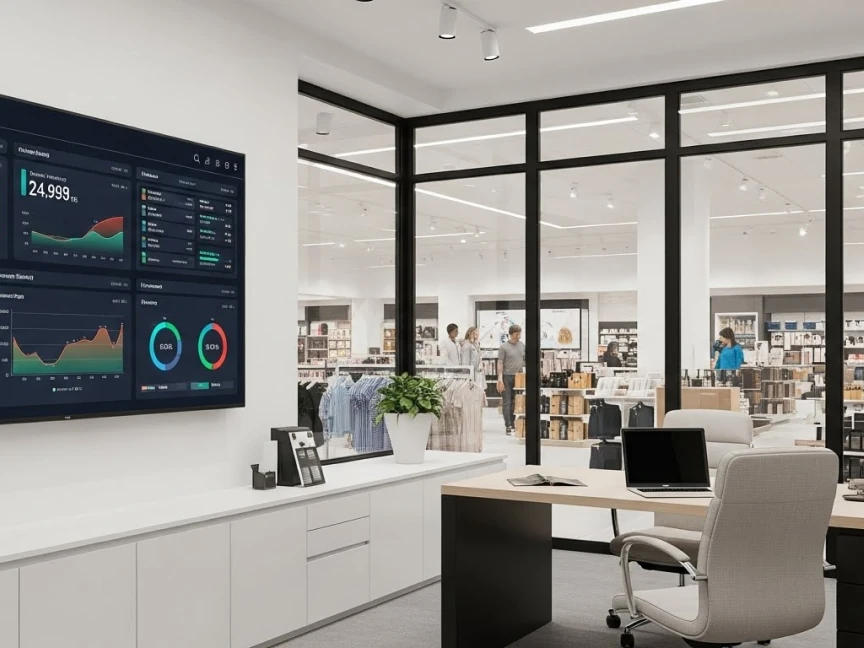
The right software supports a defined responsibility. Start by identifying the decision or task you need to improve, then choose the system that handles it. For examples of how retailers apply technology in stores, see real-life uses of technology in the retail industry.
A retail technology setup may include:
A point-of-sale system for transactions and sales reporting.
Inventory or enterprise resource planning (ERP) software for stock records, purchasing, replenishment, and related business processes.
Workforce tools for scheduling, attendance, and staff administration.
Operations software for checklists, audits, assigned tasks, and follow-up across locations.
Be clear about which system owns each record. For example, an operational check can identify a discrepancy, while the stock adjustment belongs in the inventory system.
Make tools usable on the store floor
Store employees need access to the current task, instructions, and reporting method while they work. Keep recurring forms short, ask for relevant evidence, and make responsibility clear.
Before expanding a new process, try it with representative stores. Check whether employees understand the instructions, can complete the work during their shift, and know how to report an exception.
Where Bitreport fits
Bitreport supports the operational work around store standards. Its audits and checklists help teams carry out checks and create corrective tasks from failed items. Its task management tools support recurring work and visibility into completion across locations.
That gives store and regional managers a way to follow checks and assigned work. POS, stock accounting, and payroll remain responsibilities of the systems that manage those records.

Common retail management misconceptions
“More products always mean more sales.” A broader range also creates purchasing, display, and stockholding decisions. Review demand, margin, and the role of each category before expanding it.
“A completed audit means the problem is solved.” An audit records what was found. Resolution requires someone to take action and, where appropriate, another person to verify the result.
“Head office needs to approve every decision.” Define the standards and escalation rules, then give store managers room to respond to local conditions. Central oversight is most useful when it helps teams resolve exceptions.
“New software will fix an unclear process.” Establish ownership, instructions, and review expectations first. Otherwise, the same ambiguity can move into a different tool.

How to improve retail management in your stores
Choose one recurring problem to address first. It could be late promotion setups, repeated stock discrepancies, or issues left open after store visits. Our tips on how to manage a retail shop cover the daily habits that support this.
Describe the expected result, assign responsibility, and decide how you will check completion. Test the process in a small group of stores and ask the people doing the work where instructions or handovers are unclear.
Review both execution and outcomes. Did the task happen on time? Was the issue resolved? Did the same problem return? Use those answers to improve the routine before expanding it.
Retail management becomes more dependable when managers can connect decisions with what happens on the floor. Clear expectations, useful evidence, and consistent follow-up give teams a practical way to maintain standards as the business grows.
See how Bitreport supports that process across locations. Explore store audits, recurring tasks, and corrective actions in a store operations demo.