Running a retail business means spinning a lot of plates—sales, staffing, stock, promotions, and keeping every store on track. With so much going on, it’s easy to lose sight of how each location is really performing. Are tasks being done? Are campaigns being executed properly? Are customers happy?
Read: The Complete Guide to Retail Operations
According to the 2025 Retail CX Insights Report, which analyzed over 57 million in-store customer feedback responses, the global in-store retail customer satisfaction score sits at a high 91.8%. That’s great news, but only if you know how your stores stack up against that benchmark.
And that’s where retail performance analysis plays the key role. It’s not just for big chains with analytics teams – any retailer can start using data to improve operations, boost consistency, and make smarter decisions.
It sounds like a big, complex thing, but don’t worry, it doesn’t have to be. In fact, it can be one of the simplest (and most impactful) habits you build into your weekly or monthly routine.
Let’s break it down and help you get started – without the jargon, and without needing a data analyst on speed dial.
5 Tips For Successful Retail Performance Analysis
Start simple: focus on a few key metrics
Retail performance analysis is really just about keeping track of how your stores are doing, so you can ultimately make better informed decisions. It can be as simple as are sales on track? Are daily routines getting done? Are shelves stocked and customers satisfied?
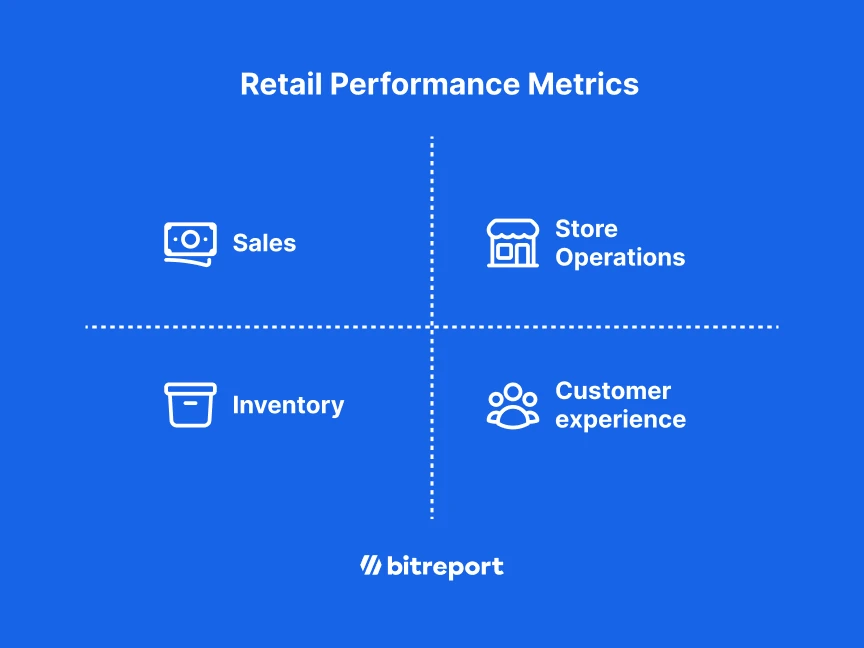
To answer all of that, you don’t need to track everything. Start with a few metrics that actually move the needle for your business. For example:
Sales metrics
Total sales per store
Average basket size
Sales per employee
Operational metrics
Task completion rate (Are store teams doing what they’re supposed to?)
Time it takes to fix issues (maintenance, hygiene, etc.)
Customer experience metrics
Complaint volume
Mystery shopper scores
Net Promoter Score (NPS)
Stock & inventory metrics
Stockouts
Shrinkage
Replenishment speed
🚀 Pro tip! If you’re running multiple locations, tracking consistency is just as important as tracking performance. One superstar store won’t carry the team forever.
Get the right data
Look at what you’re already using:
Your POS system covers sales and transactions.
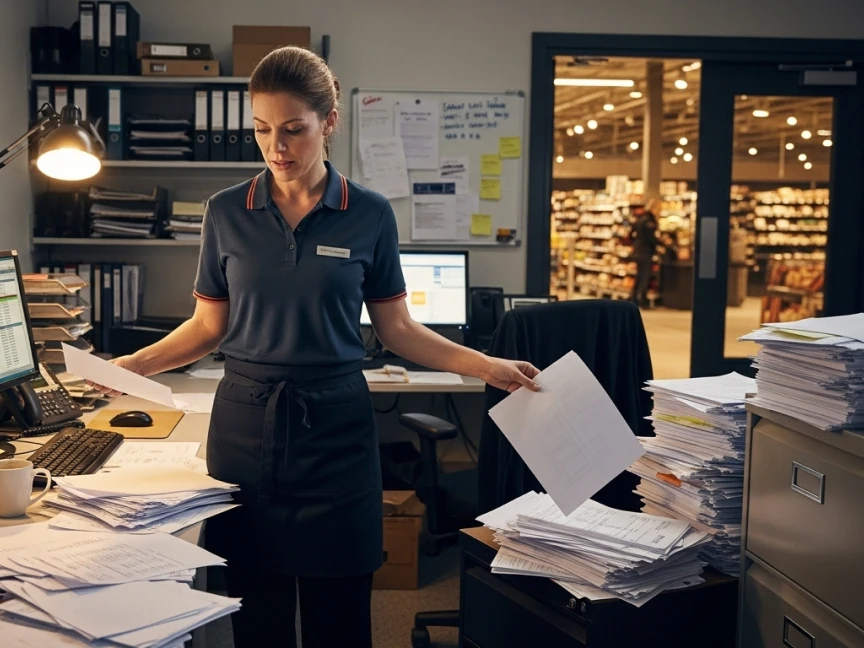
Task checklists or audit forms (if you have task management tools, and even paper ones, though you’re probably aware that’s slowing you down).
Staff and customer feedback (formal or casual).
Photos, WhatsApp updates, emails – yup, even those count if that’s how your teams report in.
Now ask yourself: What’s missing?
Maybe you’re not sure if stores are really executing campaigns. Or hygiene checklists get ticked but never verified. That’s a sign it’s time to bring in better tools and processes.

Choose Tools That Make Life Easier (Not Harder)
You don’t need a massive system overhaul. But you do need something better than chasing down WhatsApp photos or digging through spreadsheets.
Look for tools that:
Work on mobile (your teams aren’t sitting at desks)
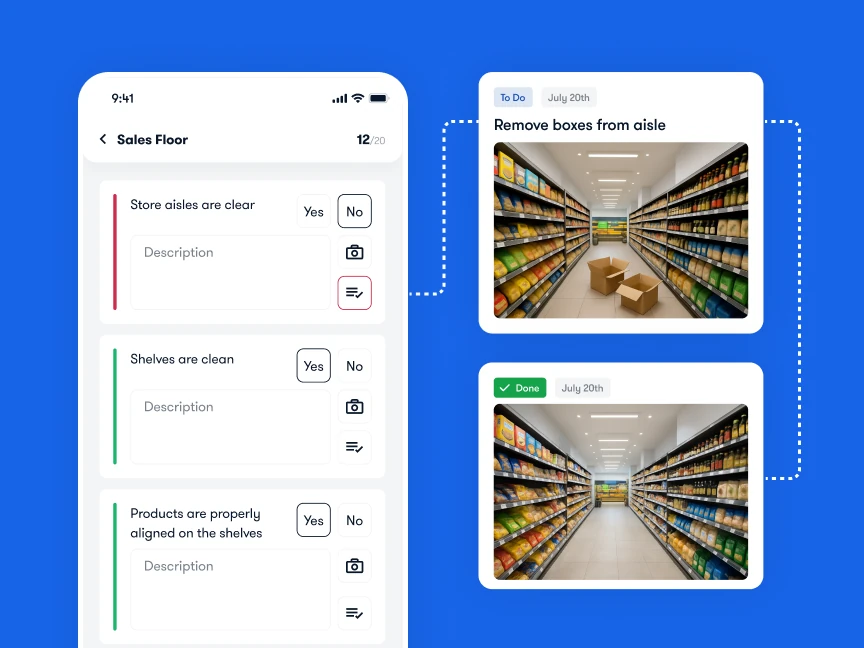
Offer checklists, photo uploads, and deadlines all in one
Give you real-time visibility into what’s happening across stores
Trigger alerts and follow-ups when something’s missed
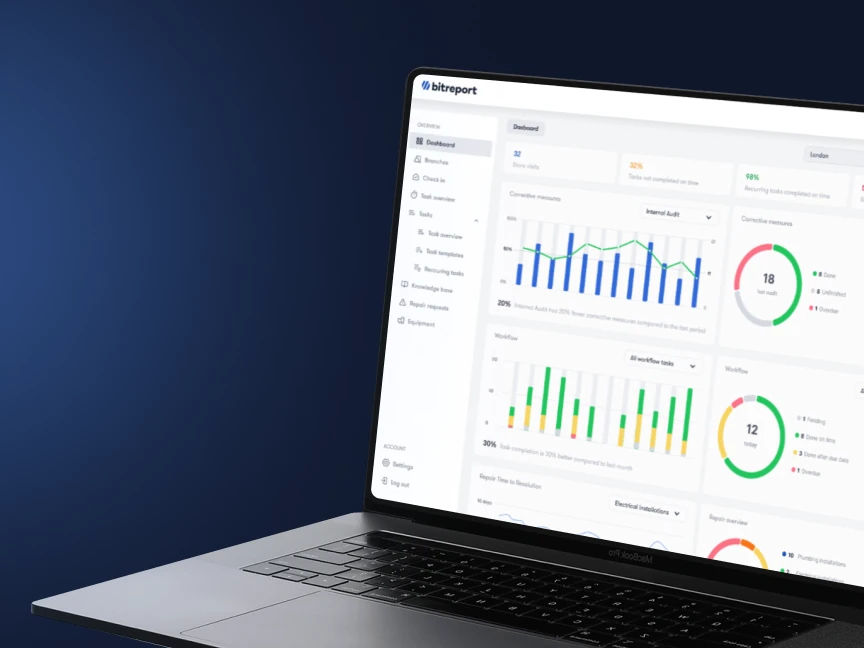
For example, Bitreport helps teams complete daily tasks, upload proof, run audits, and track issues, without extra admin. So you don’t just hope things get done, you know they are.
Watch out for these common mistakes
Even with the best intentions, a few traps are easy to fall into:
Tracking too much too soon (and drowning in data)
Measuring the wrong things (“likes on Instagram” isn’t performance)
Relying on gut feeling instead of actual store data
Not acting on what the numbers are telling you
Start small, review regularly, and make your data work for you, not the other way around.
Turn insights into action
This is where the magic happens.
Don’t just collect data, use it:
Spot trends early: maybe Tuesdays are always slow, or one store keeps missing hygiene checks.
Celebrate wins: shout out high-performing teams and stores.
Fix issues fast: assign tasks the moment something’s off, and track resolution with photo proof.
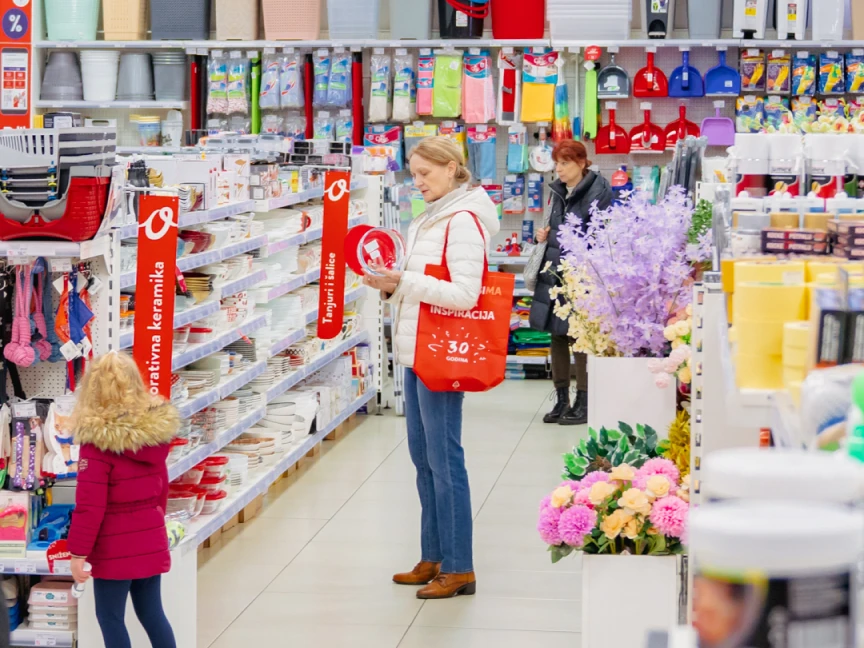
One great example of turning insights into action comes from Offertissima, a Croatian home decor retailer with over 70 stores. Faced with rapid expansion and limited management resources, they partnered with Bitreport to digitize daily checklists, automate task follow-ups, and track repairs more efficiently.
🚀 Read the full case study: How Offertissima boosted efficiency with Bitreport
The results? Area managers saved up to three hours per store visit, task completion improved by 40%, and audits became 52% faster. With monthly reports offering real-time performance insights, Offertissima’s teams, from field workers to board members, gained better visibility, consistency, and control across every store.
Final Thoughts
Retail performance analysis doesn’t need to be complicated. Just start by:
Picking 3–5 metrics that matter to your business.
Gathering data in a consistent way.
Using tools that help your teams stay accountable.
Taking action based on what you see.
Once it becomes a habit, you’ll wonder how you ever ran things without it.
Want a shortcut?
If you want a faster, easier way to track tasks, audits, and store performance across locations, give Bitreport a look. It helps retail teams stay consistent, spot issues early, and save hours of time chasing proof.